Web maintenance: 10-step guide for your business
Is your site up to date? Launching your website is a huge milestone, but it’s not the finish line. Think of your site like a car: if you don’t change the oil or check the brakes, it will eventually break down when you least expect it. In the digital world, consistent web maintenance is what keeps your business running smoothly, safely, and ready to welcome new customers 24/7.
A neglected site becomes slow, buggy, and worst of all, vulnerable to security threats that could compromise your reputation. To help you avoid these headaches, I’ve designed this comprehensive 10-step web maintenance checklist to ensure your website remains fast, secure, and professional.
The essential web maintenance checklist
1. Security updates & patches
Cybersecurity is a moving target. Whether you use WordPress or a custom build, hackers are always looking for "open doors" in old code. Keeping your core software, themes, and plugins updated is your first line of defense. A proactive approach to web maintenance means closing those doors before anyone tries to walk through them.
2. Reliable full site backups
Always have a "Plan B." Even with the best security, things can go wrong. Schedule automatic backups and store them in a different location. Knowing you can restore your site in minutes rather than starting from scratch is the ultimate peace of mind.
3. Check page speed & performance
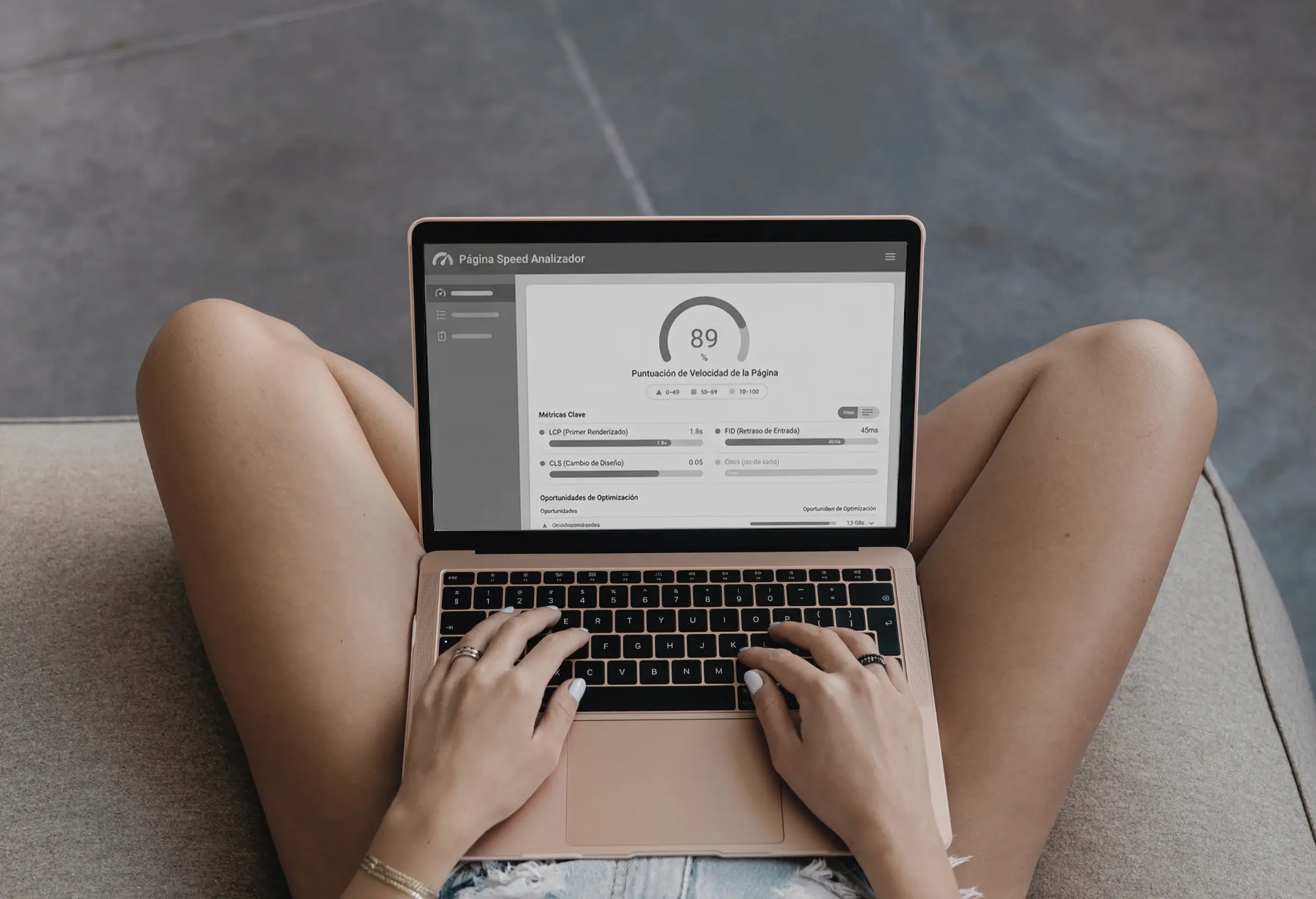
User expectations are higher than ever. If your site takes more than 3 seconds to load, you're losing customers to your competitors. Test your speed regularly with tools like PageSpeed Insights. As part of your web maintenance routine, look for heavy images or outdated scripts that might be slowing your performance down.
4. Fix broken links (404 Errors)
Clicking a link and landing on a "404 Page Not Found" error is frustrating for users and signals to Google that your site is neglected. It kills your SEO ranking. Use tools like Broken Link Check to find and fix dead links across your pages to keep the browsing experience fluid.
5. Test contact forms & checkout flows
Don't assume your forms are working just because they worked six months ago. Server updates or plugin conflicts can break your lead generation. Send a test message once a month to ensure you're actually receiving those valuable inquiries in your inbox. In web maintenance, "testing" is as important as "fixing."
6. Review content & information accuracy
There is nothing less professional than an "Upcoming Events" section showing a date from two years ago. Check for outdated pricing, old phone numbers, or staff members who are no longer with the company. Keeping your content fresh and accurate builds immediate trust with your visitors.
7. Database optimization
Over time, your site collects "digital clutter" (post revisions, old drafts, and spam comments) that bloat your database. Cleaning your database regularly keeps your site lean and fast. It’s like cleaning the engine of your car to make sure it runs without friction.
8. Mobile responsiveness check
Since the majority of your users browse on mobile, you need to be sure everything looks perfect on small screens. Sometimes a simple text update or a new image can break your layout on certain devices. A quick check on your smartphone should be a standard part of your web maintenance tasks.
9. Monitor domain & SSL expiry
It sounds simple, but every year thousands of businesses lose their sites because they forgot to renew their domain name. The same goes for your SSL certificate (the padlock next to your URL). Set these to auto-renew or mark your calendar well in advance to avoid unnecessary downtime.
10. Analyze user behavior & analytics
Data tells a story. Use tools like Google Analytics to see how users interact with your pages and where they might be dropping off. Is there a specific page where everyone leaves? Use this information to make small, data-driven improvements that will lead to more conversions and better sales. In the world of web maintenance, understanding your data is the key to continuous growth.
The bottom line: Why professional web maintenance is worth it
As a business owner, your time is your most valuable asset. Spending hours trying to fix a broken plugin or figuring out why your site is slow isn't the best use of your energy. It takes you away from what really matters: serving your clients and growing your brand.
Professional web maintenance gives you the freedom to scale without worrying about the technical "engine" under the hood. Knowing that an expert is monitoring your site’s health allows you to focus 100% on your business goals.
If you're not sure where to start or if your site hasn't been updated in months, let's talk. At CC Designs, I offer maintenance plans tailored to SMEs to keep your site fast, secure, and always open for business.